Arch Change Kenrel Vanilla to LTS (With NVIDIA DKMS Support)
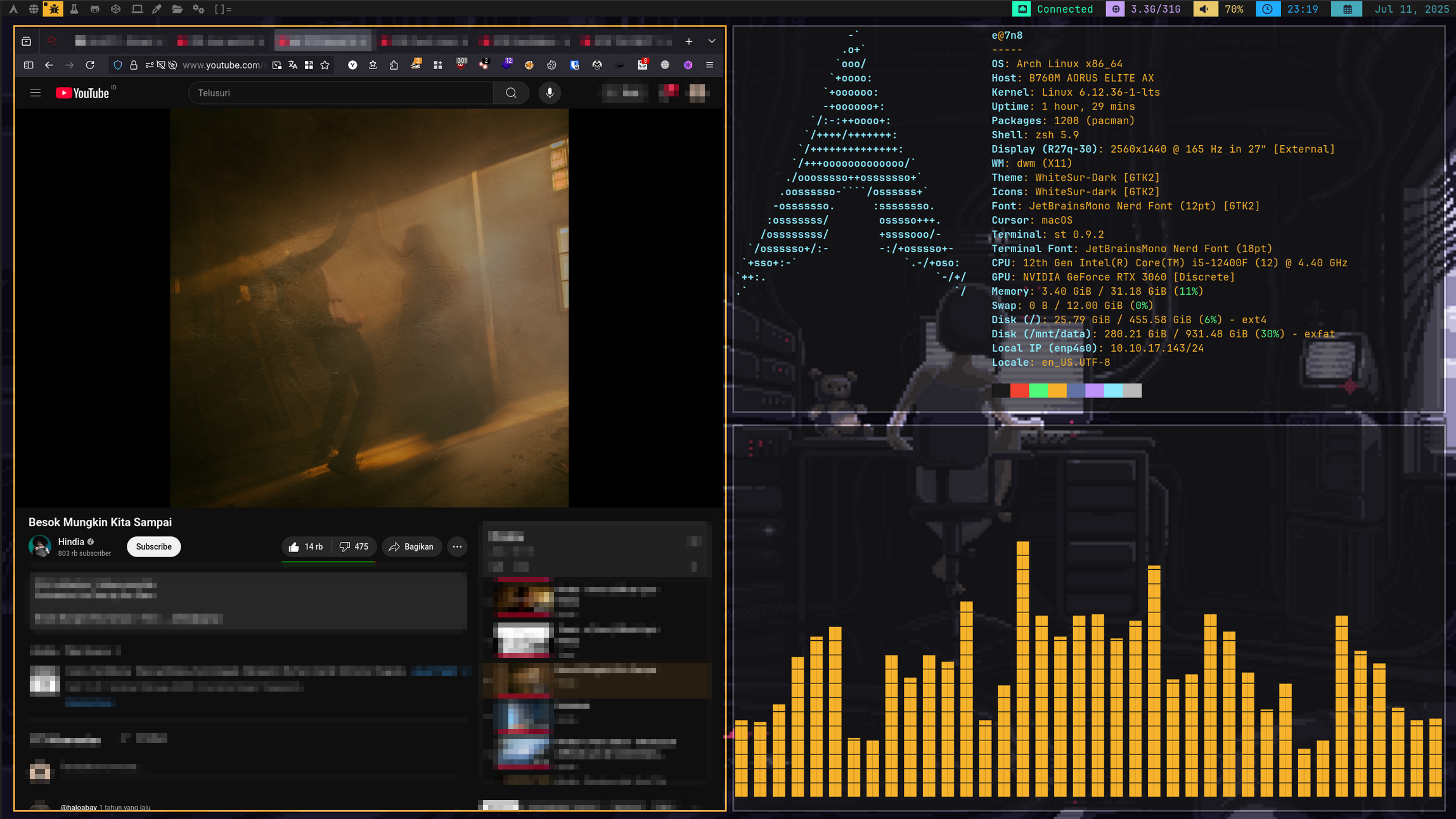
This guide walks you through switching from the mainline (vanilla) Arch Linux kernel to the LTS (Long Term Support) kernel.
It is especially useful for users who seek better stability or encounter compatibility issues with the latest kernel updates. It also explains how to reconfigure NVIDIA drivers to use the nvidia-dkms version, which builds the module against the currently installed kernel.
Reference: Arch Wiki - Kernel, NVIDIA
1. Install the LTS Kernel and Firmware
Install the linux-lts package and its firmware:
sudo pacman -S linux-lts linux-lts-headers
These are essential:
linux-ltsis the LTS kernel.linux-lts-headersare needed for DKMS to build kernel modules.
2. Rebuild the Initramfs
After installation, regenerate the initramfs with the following:
sudo mkinitcpio -P
This ensures the initramfs includes the proper modules for the new kernel.
3. Remove Mainline NVIDIA Driver
If you installed the official nvidia driver (built only for the mainline kernel), remove it first:
yay -Rns nvidia nvidia-utils nvidia-settings
4. Remove the Vanilla Kernel (Optional but Recommended)
Once the LTS kernel works, remove the mainline linux kernel to save space and avoid conflicts:
yay -R linux
⚠️ Only do this if the LTS kernel boots and works without issues.
5. Install NVIDIA DKMS Driver
Now, install the nvidia-dkms package. It compiles the NVIDIA module for the kernel you have installed:
yay -S nvidia-dkms nvidia-utils nvidia-settings
This ensures compatibility with any kernel version, including linux-lts.
6. Reboot
Reboot into your new linux-lts kernel:
reboot
You can verify the running kernel afterward:
uname -r
Expected output:
5.xx.x-lts
To check if the NVIDIA driver loaded correctly:
nvidia-smi
If the NVIDIA driver is working, you’ll see your GPU info and driver version.
Final Notes
- Your bootloader (GRUB/systemd-boot) should automatically detect the new LTS kernel. If needed:
sudo grub-mkconfig -o /boot/grub/grub.cfg
- You can always keep both kernels if desired and select which to boot manually.
- For hybrid GPU systems (e.g. Optimus laptops), consult: PRIME - Arch Wiki